 Contact Us
 Delivery & Returns
 Remote Support
 My Account






A conference room should be more than a table surrounded by chairs. It should be a space where employees can collaborate, connect with remote colleagues, meet with customers, and share ideas without struggling with uncomfortable furniture or unreliable technology.
Whether you are creating a new conference room or updating an existing one, every part of the space should work together. From the display on the wall to the supplies within reach, thoughtful planning can turn an ordinary meeting room into a productive and professional workspace.
Start with How the Room Will Be Used
Before choosing furniture or technology, consider what types of meetings will take place in the room.
Will the space primarily be used for small team discussions, virtual meetings, employee training, customer presentations, or larger planning sessions? A room designed for quick four-person meetings will have different needs than one used for company-wide video conferences.
Think about:
- How many people the room needs to accommodate
- How often virtual participants will join
- Whether employees will share presentations or videos
- If the space will be used for training
- What devices employees and visitors will need to connect
Understanding the room’s purpose will help you make better decisions about its layout, furniture, technology, and supplies.
Choose Furniture That Supports the Space
The conference table is usually the centerpiece of the room, but bigger is not always better. The table should comfortably accommodate the expected number of users while leaving enough room for chairs to move and people to walk through the space.
The shape of the table can also affect how the room functions. Rectangular and boat-shaped tables work well for traditional meetings, while round tables can create a more conversational environment for smaller groups.
Conference room chairs should be comfortable enough for longer meetings without taking up too much space. Look for supportive seating that allows users to adjust their position and remain comfortable throughout presentations, training sessions, and planning meetings.
Additional furniture may include:
- A storage credenza for supplies and equipment
- A presentation cart or lectern
- Mobile tables for flexible room arrangements
- Whiteboards or collaborative work surfaces
- Charging stations for laptops and mobile devices
The goal is to create a layout that feels comfortable, organized, and easy to navigate.
Invest in the Right Audio Visual Technology
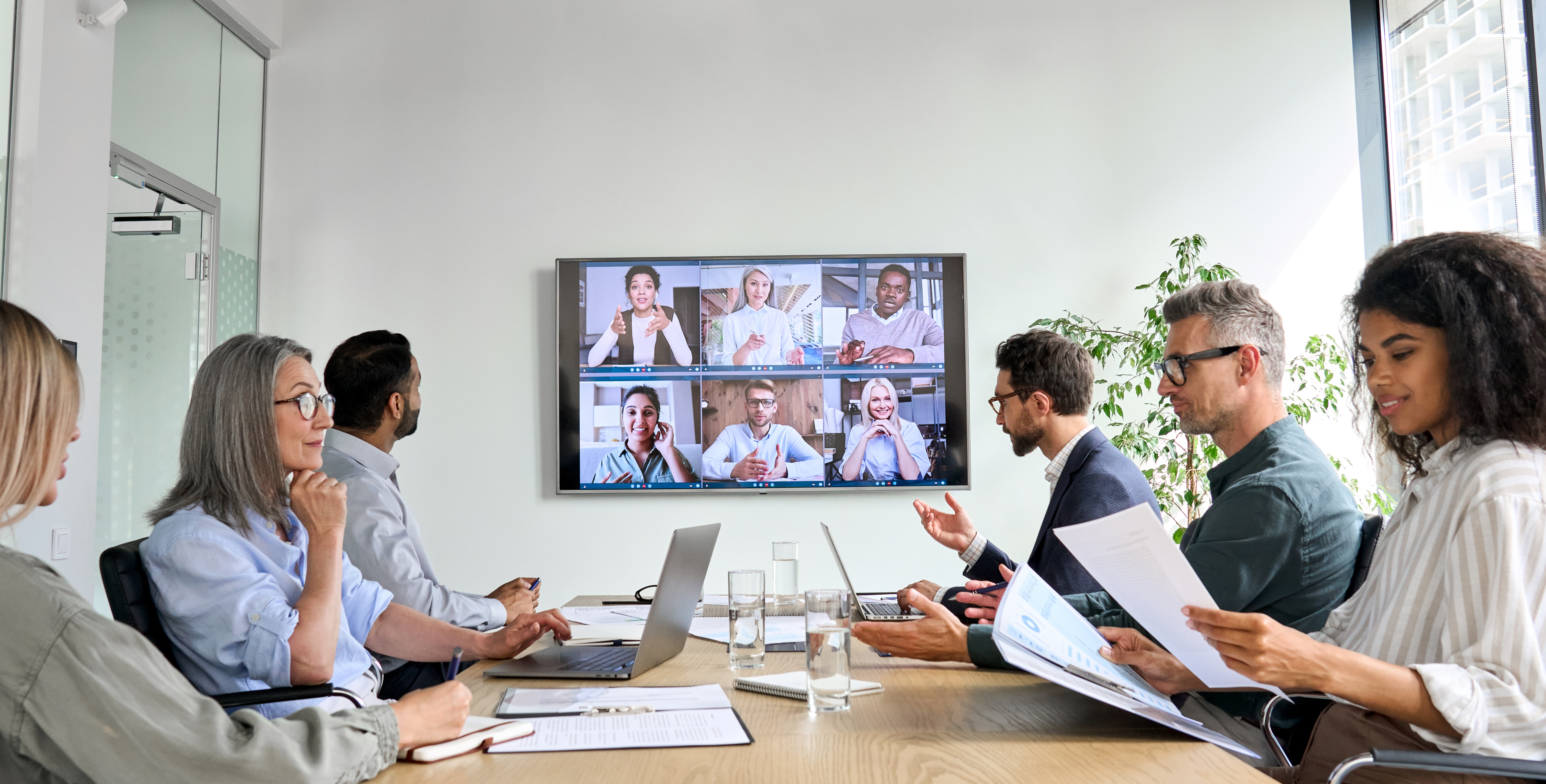
Modern meetings frequently include a mix of in-person and remote participants, making dependable audio visual technology essential.
A properly sized display allows everyone in the room to clearly see presentations, spreadsheets, videos, and virtual attendees. Interactive displays can offer additional collaboration tools by allowing users to write, annotate, and share ideas directly from the screen.
Your conference room may also need:
- A video conferencing camera
- Speakers and microphones
- Wireless screen-sharing capabilities
- Easy connections for laptops and tablets
- An interactive display or presentation screen
- A room scheduling system
Technology should make meetings easier, not more complicated. Employees should be able to enter the room, connect their device, and begin their meeting without spending the first several minutes troubleshooting.
Professional installation and training can help ensure the equipment works properly and that employees feel confident using it.
Make Sure Everyone Can See and Hear
Even high-quality technology will not perform well if the room’s layout works against it. Displays should be mounted at a comfortable viewing height and positioned so that everyone can see the screen without turning awkwardly or looking around another person.
Camera placement is equally important. A camera that is too high, too low, or pointed at only part of the table can make virtual participants feel disconnected from the conversation.
Sound should also be considered. Large, empty rooms with hard floors and bare walls can create echoes that make it difficult for both in-person and remote attendees to hear clearly. Carpet, acoustic panels, upholstered seating, and other sound-absorbing materials can improve audio quality and reduce distractions.
Pay Attention to Lighting
Conference room lighting needs to work for both in-person meetings and video calls. A room that is too dark can make it difficult to take notes, while harsh overhead lighting can create glare on displays and make video participants difficult to see.
Whenever possible, use adjustable lighting that can be changed depending on the meeting. Window coverings can help control natural light, reduce screen glare, and prevent participants from appearing as silhouettes on camera.
The room should feel bright and professional without becoming uncomfortable.
Keep Essential Supplies Within Reach
Technology and furniture may receive the most attention, but small details can have a major effect on how well a conference room functions.
Keeping frequently used supplies in the room prevents employees from interrupting meetings to search for something they need. A conference room should be regularly stocked with essentials such as:
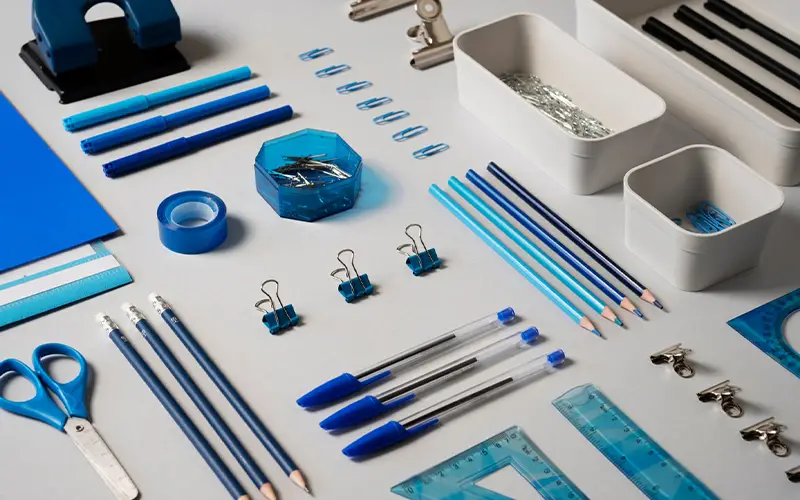
- Pens, pencils, and markers
- Notepads and sticky notes
- Dry-erase markers and erasers
- Charging cables and adapters
- Tissues and hand sanitizer
- Bottled water or other refreshments
Store these items in a cabinet, credenza, or organizer so they remain accessible without making the room feel cluttered. Assigning someone to check and restock the room regularly can also help keep it ready for employees and visitors.
Reduce Clutter and Manage Cables
A professional conference room should look clean and organized. Loose cables, crowded tabletops, and unused equipment can make the room appear unfinished while also creating distractions and potential tripping hazards.
Built-in power modules, cable management systems, under-table storage, and wireless presentation technology can help keep cords controlled. Supplies should have designated storage areas, and outdated or unused equipment should be removed.
When everything has a place, employees can focus on the meeting instead of the mess around them.
Create a Room That Is Easy to Use
The best conference rooms do not require complicated instructions. Employees and visitors should be able to understand how to use the display, join a virtual meeting, adjust the volume, and share their screen with minimal assistance.
Consider posting a short set of instructions near the room’s controls. Consistent technology across multiple meeting rooms can also make it easier for employees to move from one space to another without having to learn a completely different system.
It is also important to test the room regularly. Check the camera, microphones, display, internet connection, lighting, and supplies before an important meeting rather than waiting for someone to report a problem.
Build a Better Conference Room with Herald
A conference room works best when its furniture, technology, layout, and supplies are planned as one complete space.
Herald can help your business create a conference room designed around the way your team meets and collaborates. From comfortable conference room furniture and professionally installed audio visual technology to presentation tools and everyday office supplies, we can help you bring every part of the room together.
